Levi Server Setup
Open-source Bash tool for provisioning servers, configuring Nginx and TLS, and scheduling backups.
Project Overview
Levi Server Setup is an open-source Bash tool for people preparing an Ubuntu or Debian server. It offers an interactive terminal menu and direct commands for common setup tasks such as runtime installation, reverse proxy configuration, TLS certificates, and backups.
The problem
A new server needs several ordered changes before it can host an application. Repeating package installation, firewall setup, web server configuration, and backup scheduling by hand is slow and easy to miss. This script gathers those operations in one inspectable shell file and lets an operator choose only the tasks needed for a host.
Key features
- Terminal menus support arrow keys and multi-select choices for setup groups.
- Base setup updates packages and offers essential tools, firewall rules, Fail2Ban, timezone, swap, and unattended security updates.
- Installers cover programming runtimes, databases, Docker, web servers, and selected monitoring tools.
- A command generates an Nginx reverse proxy configuration for a domain and application port.
- Another command requests a Let's Encrypt certificate through Certbot.
- An SSH security wizard can create a sudo user, move authorized keys, and change login settings.
- The backup wizard builds a standalone script for files, database dumps, custom paths, or a full archive.
- Backup scheduling uses cron and uploads archives through rclone.
Technical architecture
The project is a self-contained Bash script. Menu functions collect operator choices; task functions invoke package managers and system tools such as apt, systemctl, ufw, nginx, certbot, and docker compose. The reverse proxy path writes an Nginx site configuration and reloads Nginx after its configuration check. The backup path writes server-backup.sh, then registers a cron entry. Database backup branches call the corresponding dump utilities when present, and rclone copies the resulting archive to a configured remote. Configuration is stored on the host.
Engineering highlights
- The terminal interface renders multi-select menus directly in Bash, including key decoding and redraws.
- Reverse proxy generation includes WebSocket upgrade headers for applications that need them.
- The SSH wizard updates UFW rules when the port changes, linking access configuration with firewall state.
- The generated backup script separates collection, remote transfer, and local cleanup.
- Root checks guard operations that change system configuration.
Image Gallery
No media available for this project.
Client Reviews
Feedback from people who used or collaborated on this project.
Share your experience with this project
Related projects
WhatsApp Channel and Chat API
Self-hosted API for WhatsApp channels and private chats, with media checks, send queues, and SQLite deduplication.
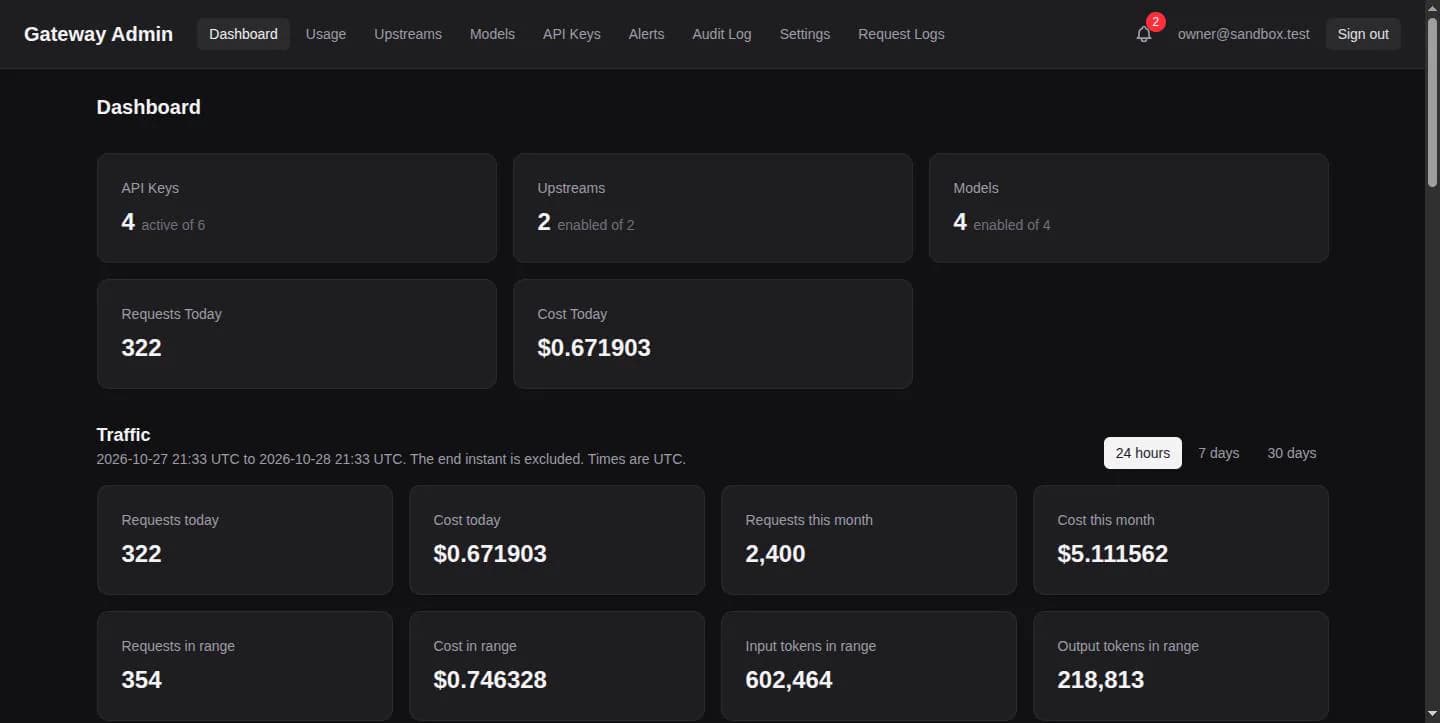
Vertex AI Proxy
Open-source Gemini-compatible API gateway for Vertex AI with prepaid keys, usage tracking, limits, and an admin console.
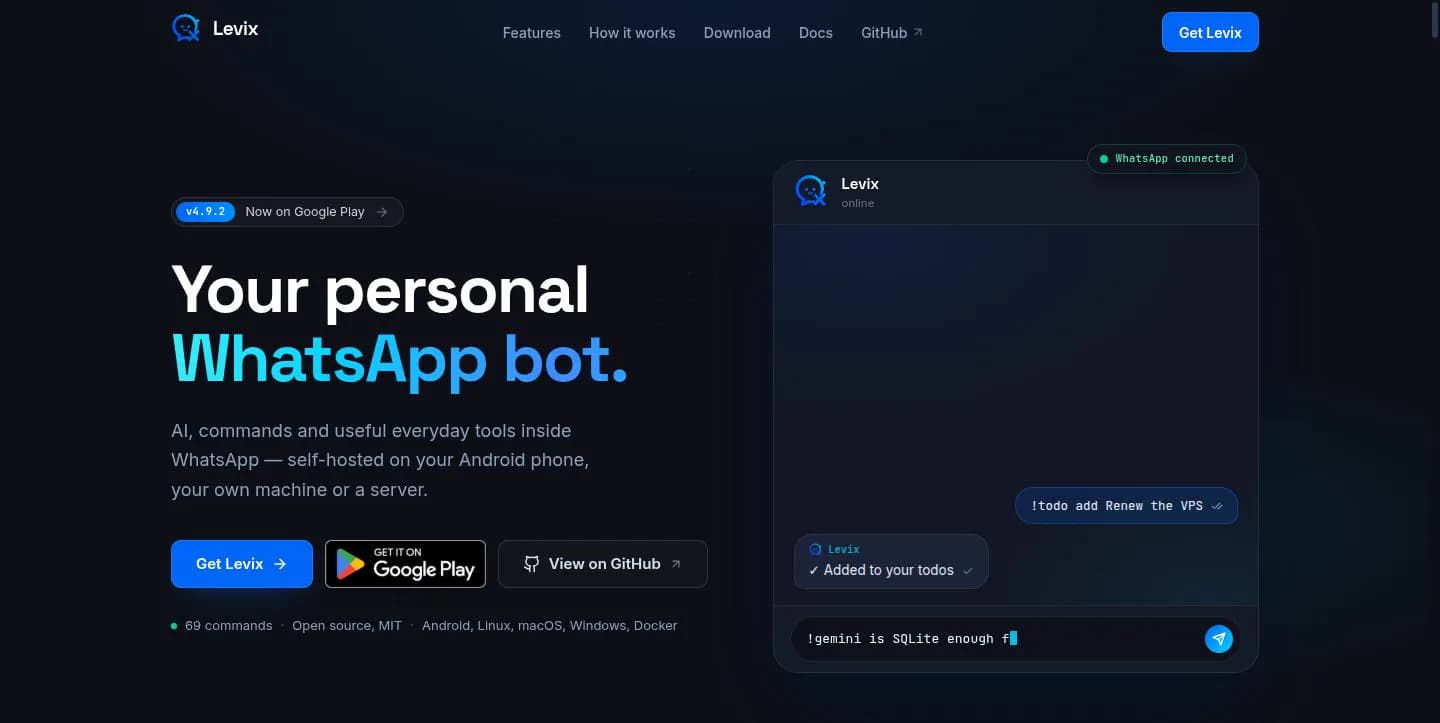
Levix Self-Hosted WhatsApp Bot
MIT-licensed WhatsApp bot with AI tools, moderation, scheduling, Android hosting, and a companion website.