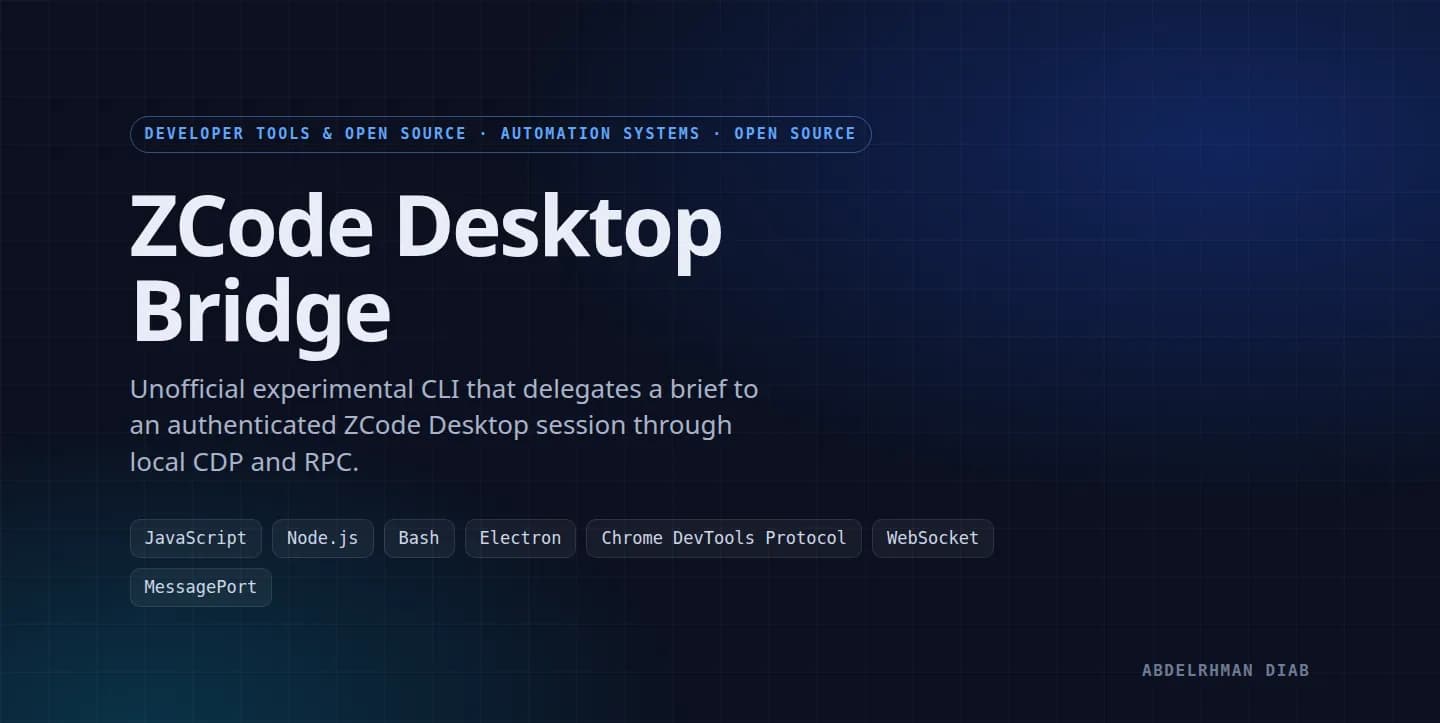
ZCode Desktop Bridge
Unofficial experimental CLI that submits a brief through an authenticated ZCode Desktop session using local CDP and RPC.
Project Overview
ZCode Desktop Bridge is an unofficial, experimental local CLI for developers already using an authenticated ZCode Desktop session. It reads a brief file, opens a task through the desktop runtime, waits for the response, and prints a JSON result.
The problem
The desktop app exposes an authenticated workflow to its own interface, while a shell task needs a way to submit a brief and collect a result. The bridge uses the local Electron debugging interface and the renderer's existing service transport.
Key features
- Launch ZCode Desktop with a localhost Chrome DevTools Protocol endpoint when needed.
- Refuse to replace an already running desktop session that lacks that endpoint.
- Discover the renderer target from the local debugging endpoint.
- Capture the renderer's service MessagePort across a page reload.
- Initialize a side RPC client and complete the conversation handshake.
- Accept workspace, brief, mode, and timeout options in the delegate runner.
- Create a session, send the brief text, and poll conversation rows.
- Correlate response rows to the submitted turn and print structured JSON.
Technical architecture
A Bash wrapper checks the desktop executable and local CDP endpoint, then invokes two Node.js modules. The bootstrap module connects with ws, injects a page-load listener, reloads the renderer, and captures the service MessagePort. It imports internal protocol code from the installed Electron bundle to create a side client. The delegate module evaluates RPC calls in the renderer, creates the task session, sends text, and polls for completion.
Engineering highlights
- The bootstrap assigns the side client a separate request ID range to avoid collisions with desktop UI calls.
- A page-load hook captures the MessagePort at the moment the renderer receives it.
- Polling matches command and turn identifiers before assembling assistant text.
- The launcher protects an existing desktop process instead of killing it to enable debugging.
Image Gallery
No media available for this project.
Client Reviews
Feedback from people who used or collaborated on this project.
Share your experience with this project
Related projects
WhatsApp Channel and Chat API
Self-hosted API for WhatsApp channels and private chats, with media checks, send queues, and SQLite deduplication.
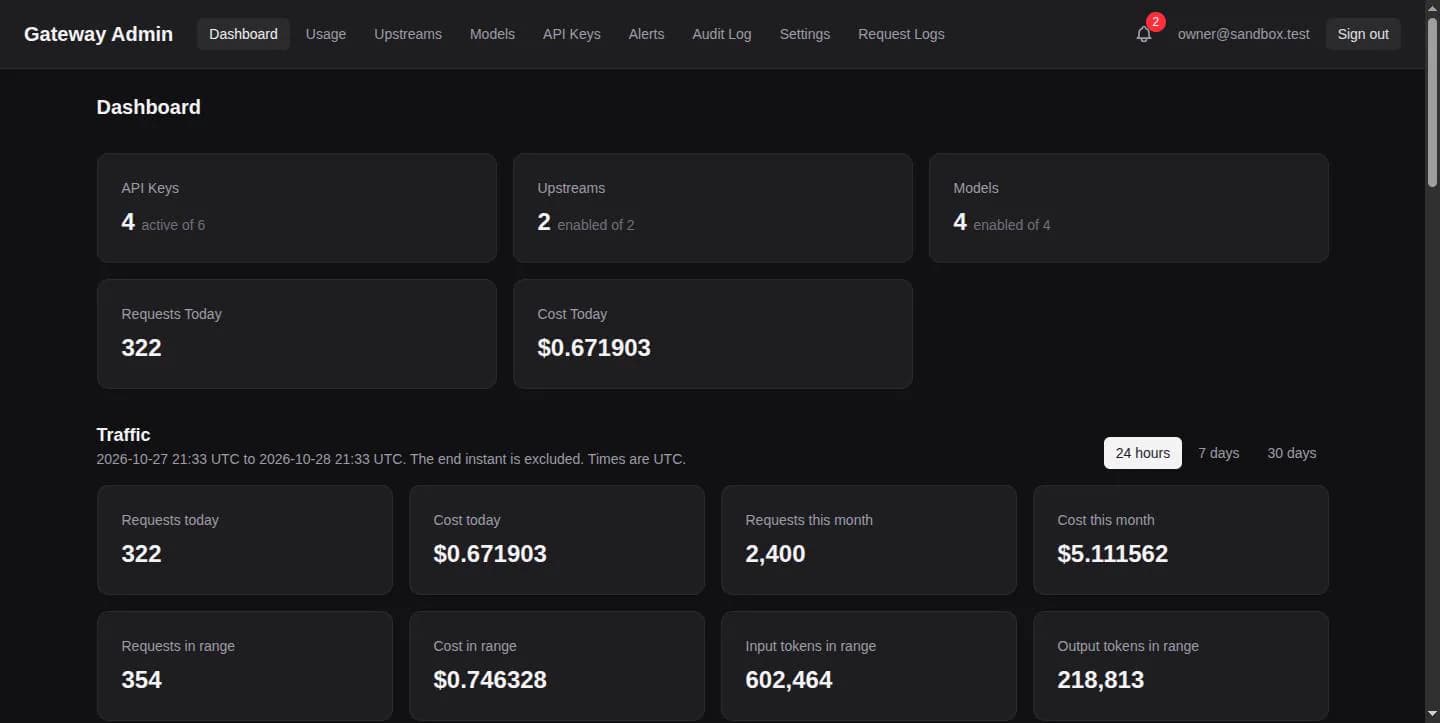
Vertex AI Proxy
Open-source Gemini-compatible API gateway for Vertex AI with prepaid keys, usage tracking, limits, and an admin console.
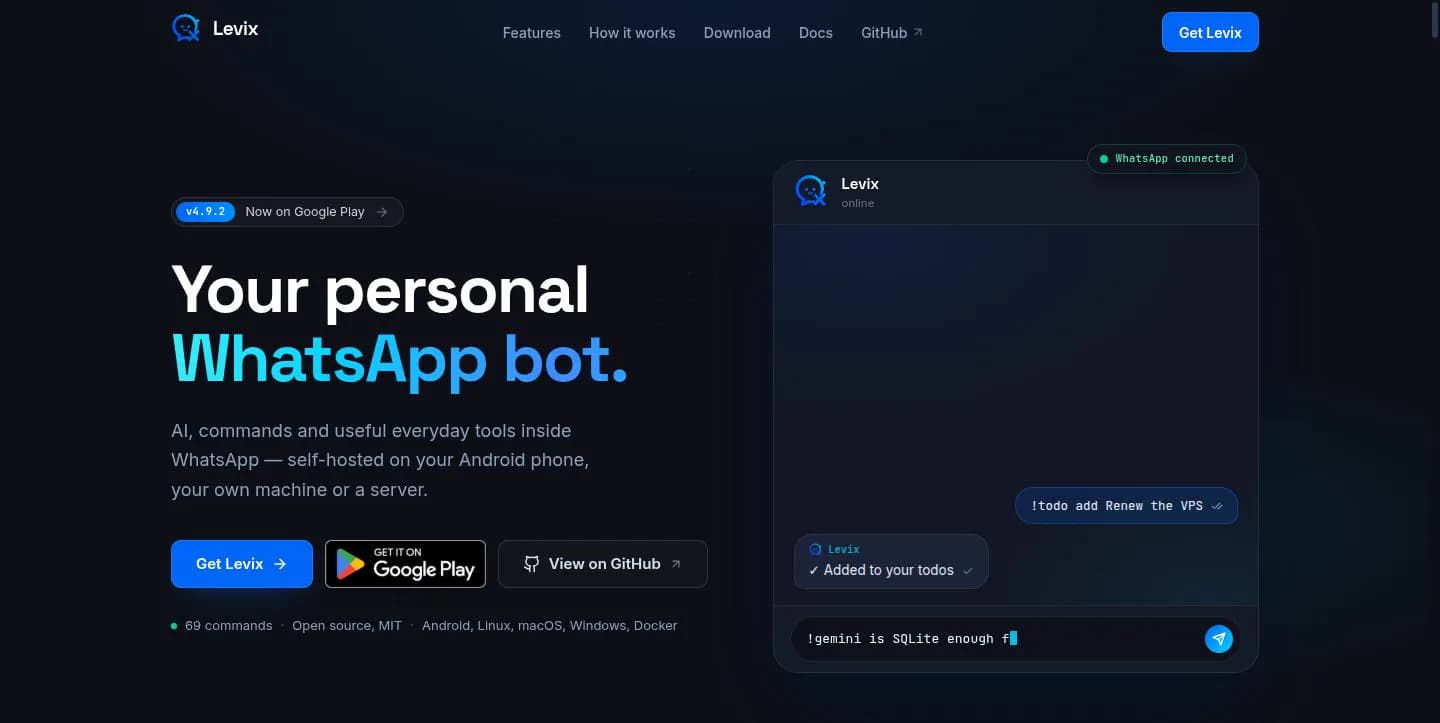
Levix Self-Hosted WhatsApp Bot
MIT-licensed WhatsApp bot with AI tools, moderation, scheduling, Android hosting, and a companion website.